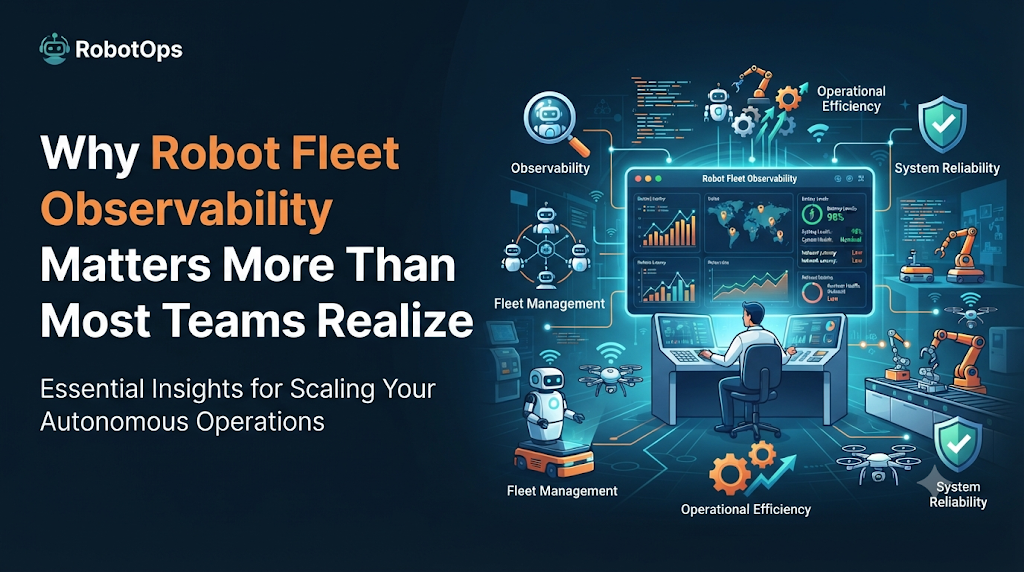
Why Robot Fleet Observability Matters More Than Most Teams Realize
A warehouse manager once told me that her biggest fear wasn’t a robot breaking down. It was not knowing it had broken down until a customer complained about a late shipment.
That’s the real problem behind robot fleet management. It’s not the robots themselves. It’s the blind spots between what a robot is doing and what a human actually knows about it.
This gap has a name in the robotics world: observability. And if you’re running more than a handful of robots, understanding it can save you a lot of money and stress.
What Is Robot Fleet Observability?
Observability means being able to tell what’s happening inside your robots by looking at the data they produce, without physically walking over and checking each one.
Think of it like a car’s dashboard. You don’t open the hood every time you drive. You glance at the fuel gauge, the temperature, the warning lights. That’s enough information to know if something’s wrong.
A robot fleet needs the same thing, just at a bigger scale. Instead of one dashboard for one car, you need one dashboard for dozens or hundreds of robots, each sending back data about battery levels, location, task status, and error codes.
Why It Matters More As Fleets Grow
When you have two or three robots, a supervisor can usually keep track of them just by watching the floor. Problems get noticed fast.
That breaks down quickly once you scale up.
With 50 robots moving through a warehouse, a single stalled unit can be invisible for hours. Nobody looks at every robot individually anymore. The team relies on data, not eyeballs.
This is where a lot of automation projects quietly fail. Companies invest in robots, but they don’t invest in the systems that tell them how those robots are actually performing. The result is fleets that look automated but still depend on someone noticing something looks off.
How Fleet Observability Actually Works
Most systems follow a similar pattern, even if the tools differ:
1. Data collection. Each robot streams telemetry, small pieces of information like position, speed, battery charge, and any error flags, back to a central system.
2. Centralized monitoring. That data lands on a dashboard where operations staff can see the whole fleet at once, not robot by robot.
3. Alerting. If something crosses a threshold, say, a battery drops below 15%, or a robot hasn’t moved in ten minutes, the system flags it automatically instead of waiting for a human to spot it.
4. Historical analysis. Over time, this data also shows patterns. Maybe one robot model overheats more often in a specific zone. Maybe certain shifts have more errors. That’s useful for planning, not just firefighting.
None of this requires a robotics engineering degree to understand. It’s closer to how IT teams monitor servers than anything exotic.
A Practical Example
Picture a delivery robot company running 80 units across three cities. Without observability, a stuck robot might just sit there until a customer calls asking where their package is.
With a monitoring system in place, the operations team gets an alert the moment the robot stops moving unexpectedly. They can check its last known location, see its battery status, and often resolve the issue, like a blocked path or dead battery, before the customer even notices a delay.
The robot didn’t get smarter. The team just got visibility they didn’t have before.
Common Mistakes Teams Make
Treating monitoring as optional. Some teams add robots first and figure out monitoring later. By then, they’re already dealing with unexplained downtime and no data to diagnose it.
Collecting data but not acting on it. A dashboard full of numbers is useless if nobody reviews it or sets up alerts. Data needs to trigger action, not just sit there.
Ignoring configuration drift. Robots get firmware updates, setting changes, and manual tweaks over time. If nobody tracks what changed and when, it becomes very hard to figure out why a robot that worked fine last month is suddenly failing.
Relying only on real-time data. Real-time alerts catch immediate problems. But without historical data, teams miss slower patterns, like a robot that’s gradually degrading over weeks.
Best Practices Worth Following
- Set up alerts before you scale past a handful of robots, not after.
- Keep a record of configuration changes for every robot, so troubleshooting doesn’t turn into guesswork.
- Review fleet-wide trends monthly, not just individual incidents as they happen.
- Involve the maintenance team in what gets tracked. They usually know which failure signs actually predict a breakdown.
- Choose monitoring tools that work across different robot brands if your fleet isn’t from a single manufacturer.
For teams that want a deeper walkthrough of setting this up in practice, RobotsOps covers fleet management and robot operations topics in more detail, including day-to-day maintenance and configuration tracking.
FAQs
Do small fleets need observability tools, or just large ones?
Even five or six robots benefit from basic monitoring. The value grows with fleet size, but the earlier the habit starts, the easier scaling becomes later.
Is observability the same as robot fleet management?
Not quite. Observability is the visibility layer, seeing what’s happening. Fleet management includes that, plus task assignment, scheduling, and maintenance planning built on top of that visibility.
What’s the biggest sign a team needs better observability?
If problems are usually discovered by a customer or a floor worker before the operations team notices, that’s a clear sign the visibility gap needs closing.
Concluion
Robots don’t fail loudly. They stall, drift out of configuration, or run low on battery quietly, and nobody notices until it costs time or money.
Observability closes that gap. It’s not a flashy upgrade, but it’s the difference between reacting to problems after customers complain and catching them before they become a bigger issue.
Leave a Reply